Pressmaster gives you two modes to choose from.
Each mode triggers a different workflow inside your Agent and determines how it thinks, what data it uses, and how much strategy it builds.
 We recommend setting up both your Advanced Brand Guide and Advanced Brand Voice. This will significantly improve the quality of your results.
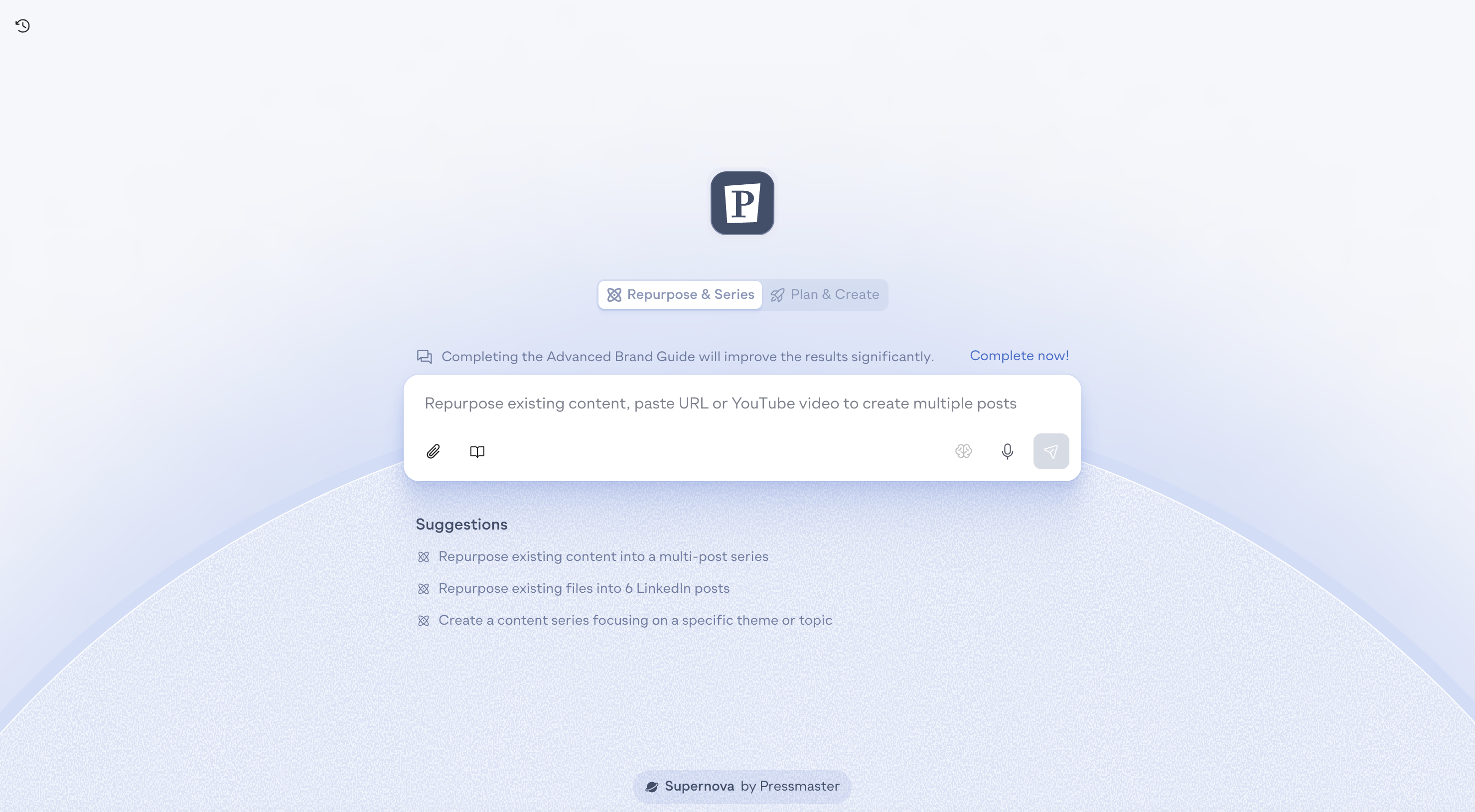
Use this mode when you already have a piece of content and want the Agent to break it down into a structured series.
Files (PDF, DOC, slides, notes)
Links
YouTube videos
Raw text
Voice notes
Extracts the strongest ideas
Identifies key angles and repeating patterns
Converts everything into multiple posts or a full content series
Rewrites everything into your Brand Voice
Makes the structure clean, tight, and high-performing
This mode is input-dependent.
The Agent focuses on your material, not your ecosystem.
Choose this mode when you want the Agent to act as your strategist.
It uses:
Your Audience & Positioning
Your Pinned Content
Your Twin
Your Trends
Your Recent Performance Signals
Generates a calibrated 7-30 day content plan
Mixes Growth, Trust, and Conversion angles
Creates original posts based on your identity and market movement
Ensures narrative consistency across all formats
This mode is ecosystem-dependent.
The Agent uses everything it knows about you, your audience, and your trends.
In this step, the Agent generates content ideas based on your brand, your voice, and the mode you selected.
Ideas are always presented in the same structured format you see in the screenshot, clear, scannable, and ready for refinement.
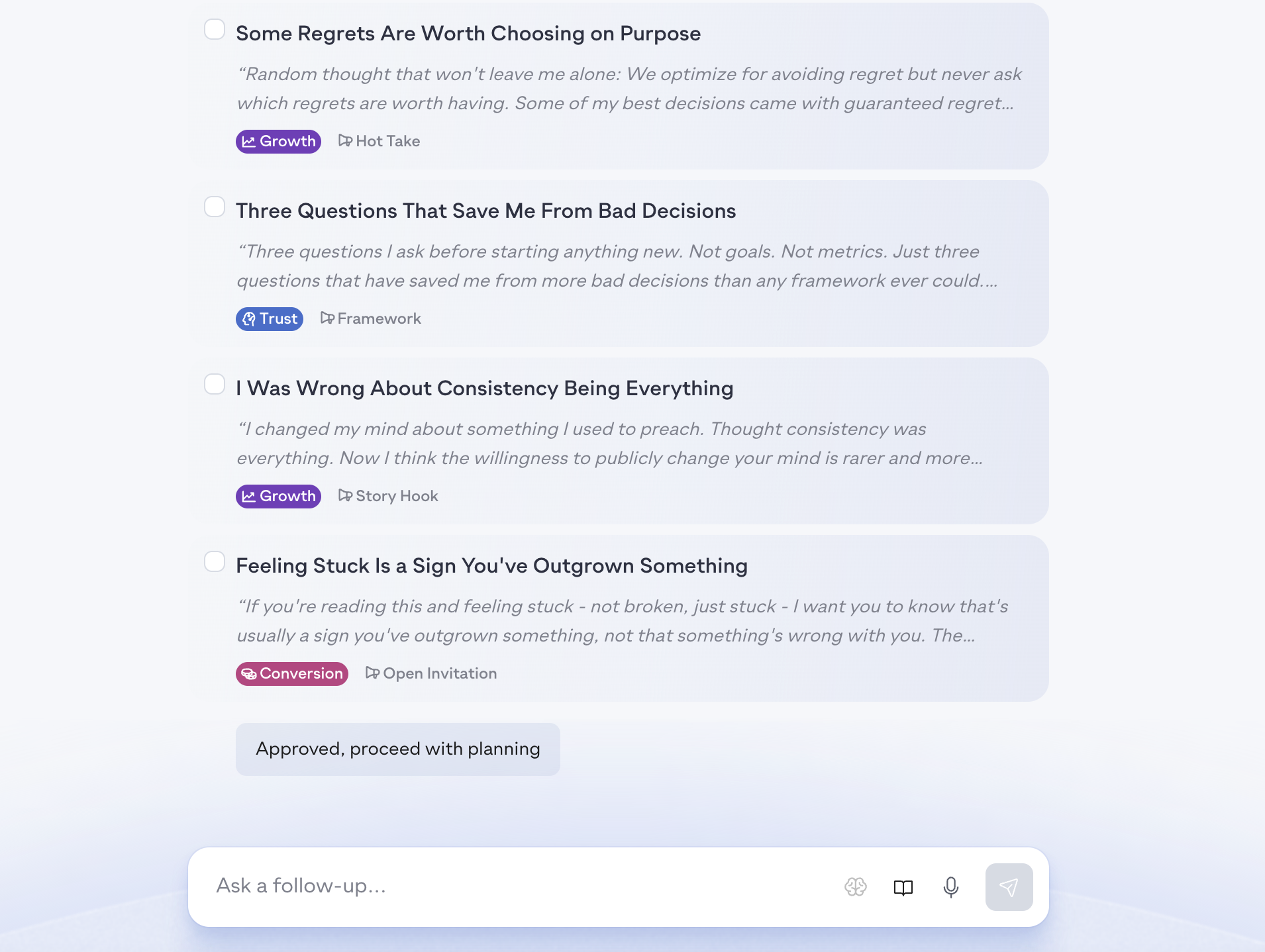
Iterate through chat
Ask the Agent to expand, sharpen, adjust tone, or explore alternatives.
Select specific topics
Highlight any ideas you want to use as reference while iterating.
The Agent will treat them as anchors for your next steps.
Approve all
If you’re happy with the direction, choose Approve all to move forward.
This step sets the blueprint for your final content
In this step, the Agent automatically generates a proposed content schedule based on your ideas and goals.
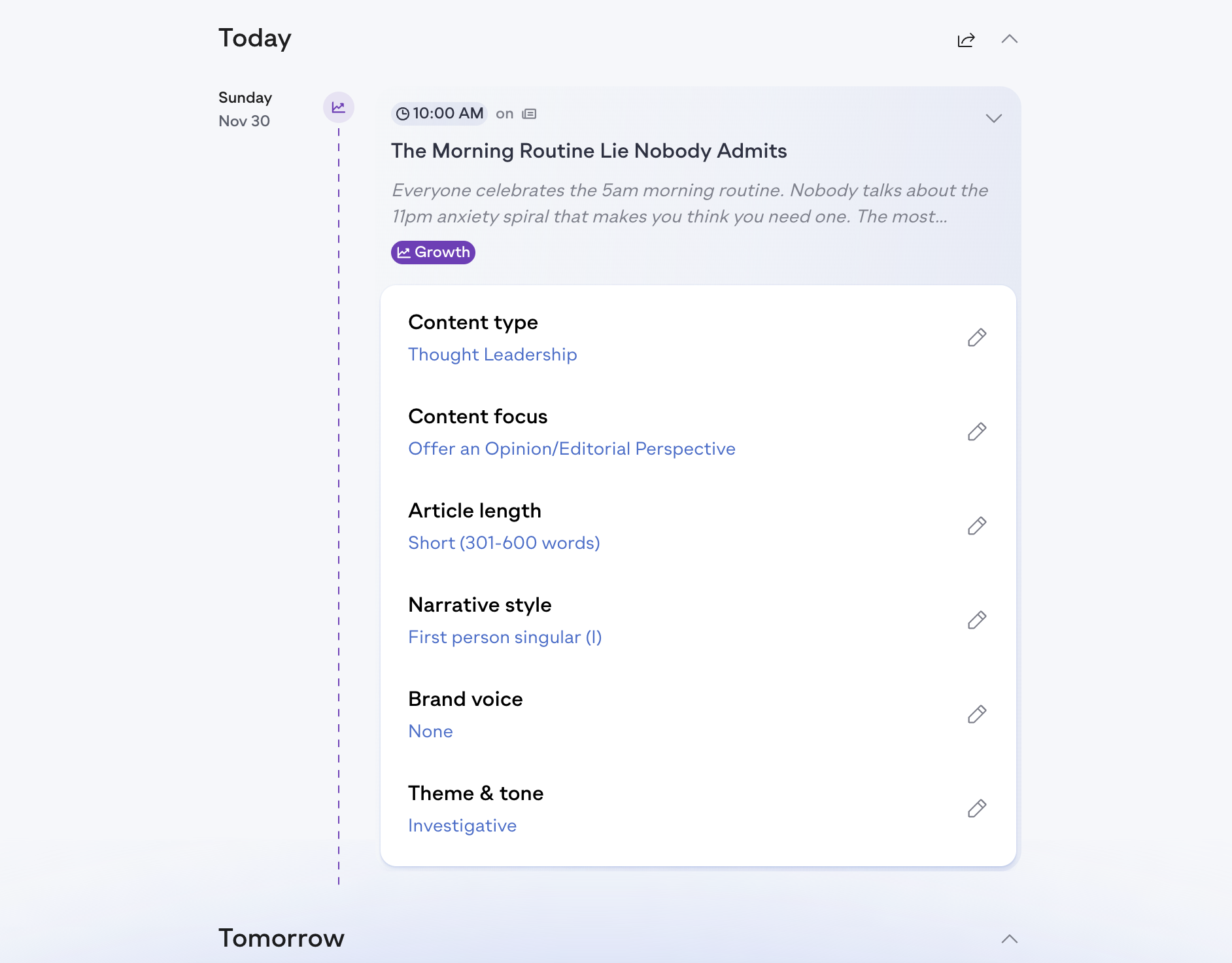
This gives you a clear, structured calendar you can refine before publishing.
Open each content piece
Review the topic, angle, positioning, and purpose.
Adjust settings individually
Assign different Brand Voices
Change the format
Update tone, length, or narrative
Add instructions or constraints
Edit freely
Every content item can be tuned to match what you want to say and how you want to say it.
The Agent handles structure and sequencing.
In this step, you choose how the Agent should collect your insights for each planned topic.
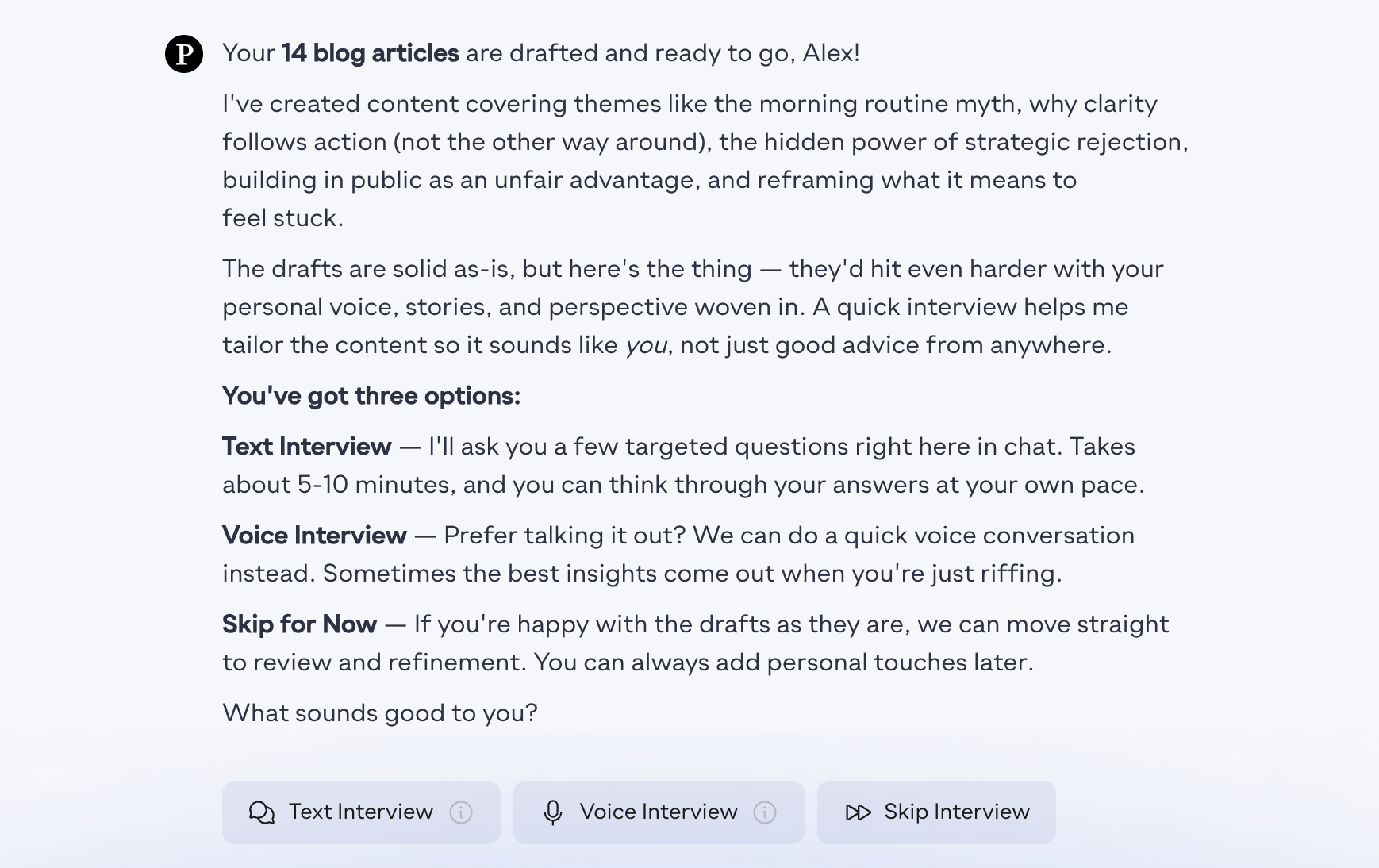
Text interview
Answer short, focused questions directly in chat.
Voice interview
Speak naturally while the Agent transcribes and extracts your best ideas.
Skip interview
If your Thought Twin is well-trained, you can skip entirely and let the Agent generate content using your existing knowledge base.
The interview automatically covers all planned topics in your content calendar.
The Agent uses your answers to shape narrative, depth, tone, and authenticity.
Choose the method that fits your workflow.
Once you complete the full Agent flow, every content piece created during the process will appear in:
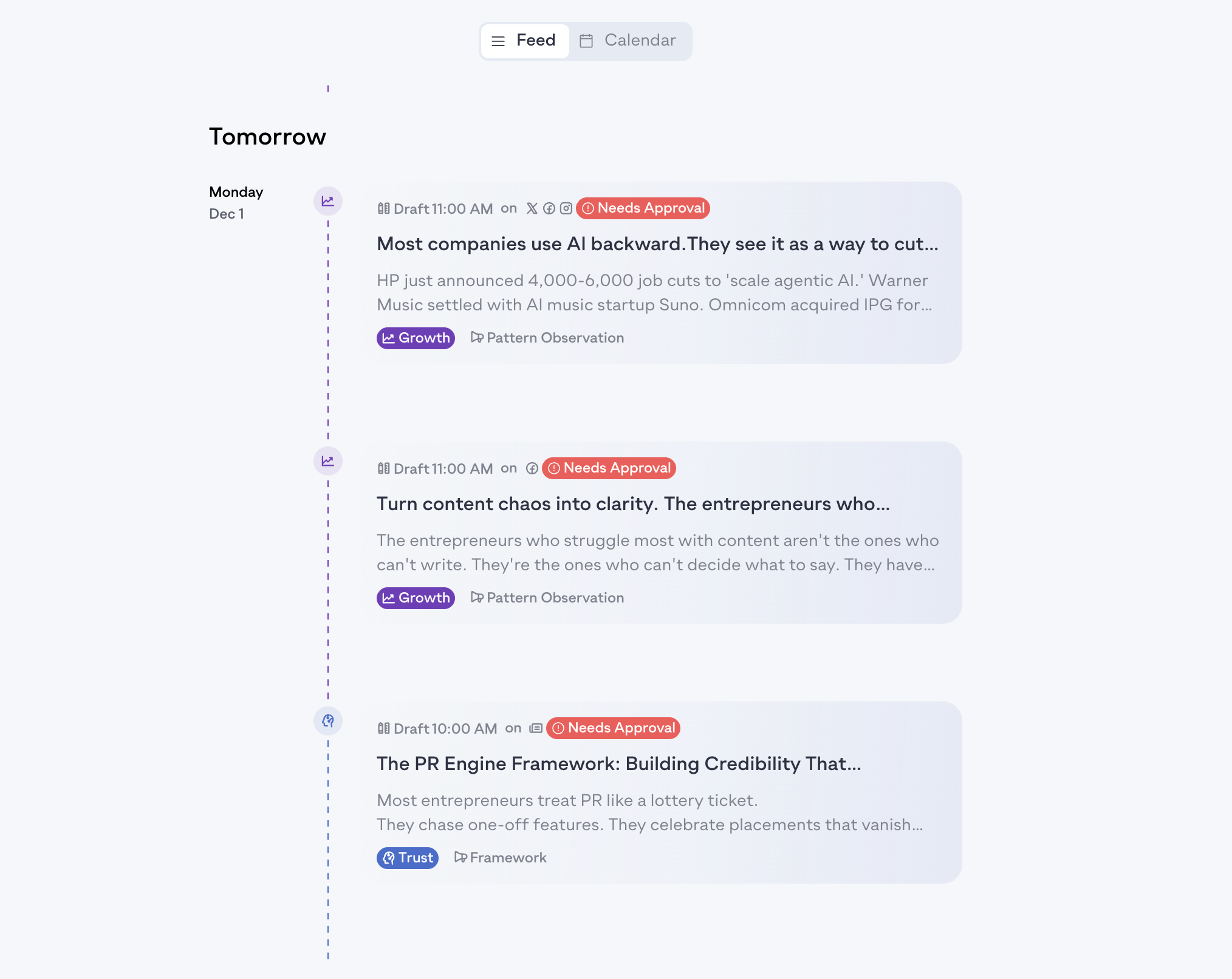
Your Calendar — scheduled according to the proposed plan
Your Feed — unscheduled drafts you can review, edit, or publish manually
Approve content
Edit any piece to refine tone, clarity, or structure
Reschedule or move items around
Publish instantly or let the schedule handle it
Your entire content month is now fully prepared and ready for final review.